You’ll need a Google Workspace account (a company address like
you@company.com), not a personal @gmail.com address. You’re granting Selix permission to read, compose, and send email on your behalf so it can run campaigns from your inbox.1
Open your Email settings
2
Click Sign in with Gmail
In the Email Integration section, find the Gmail (Google Workspace) card and click Sign in with Gmail.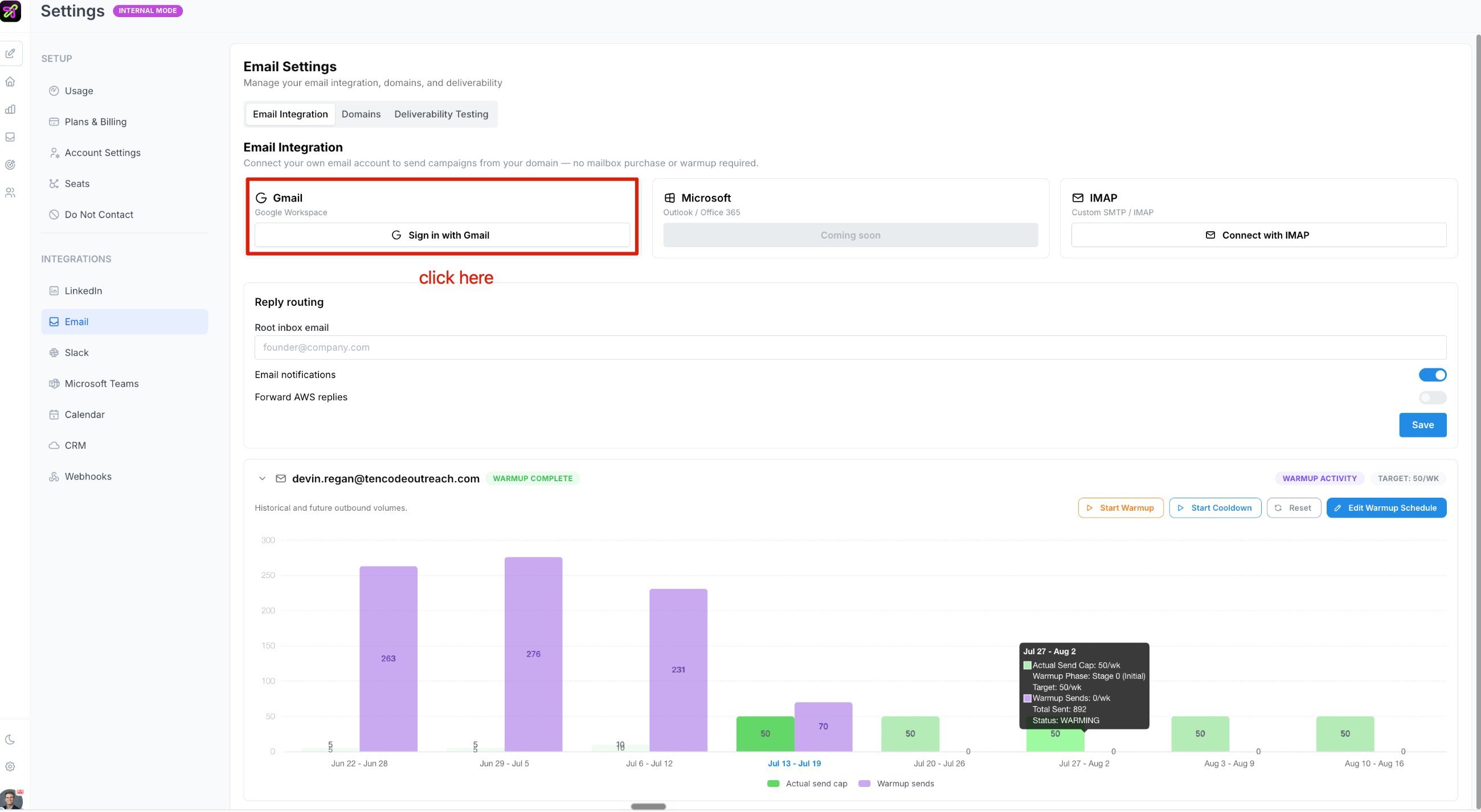
3
Choose your account
Select your Google Workspace account.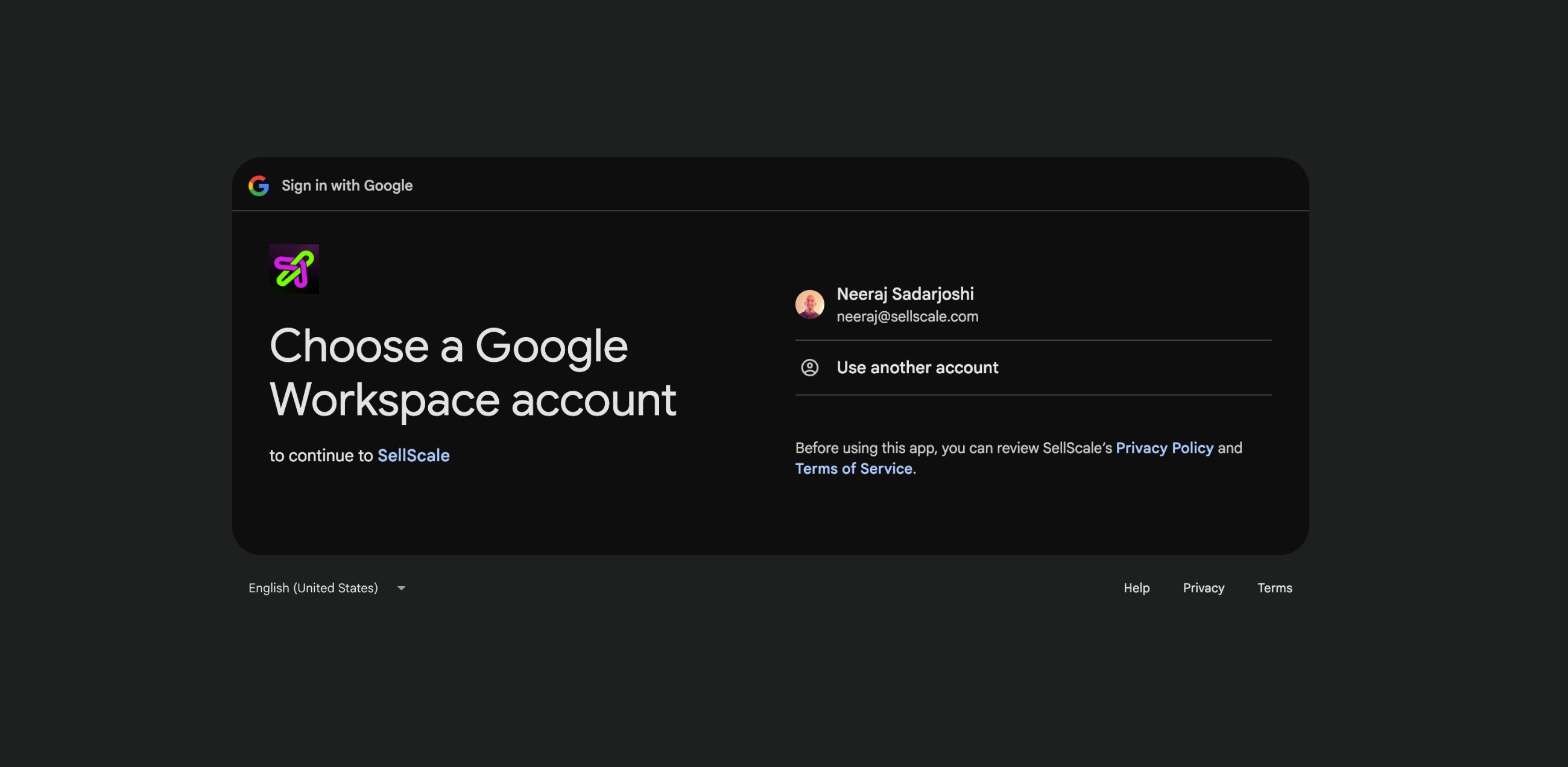
4
Continue
On the Sign in to SellScale screen, click Continue.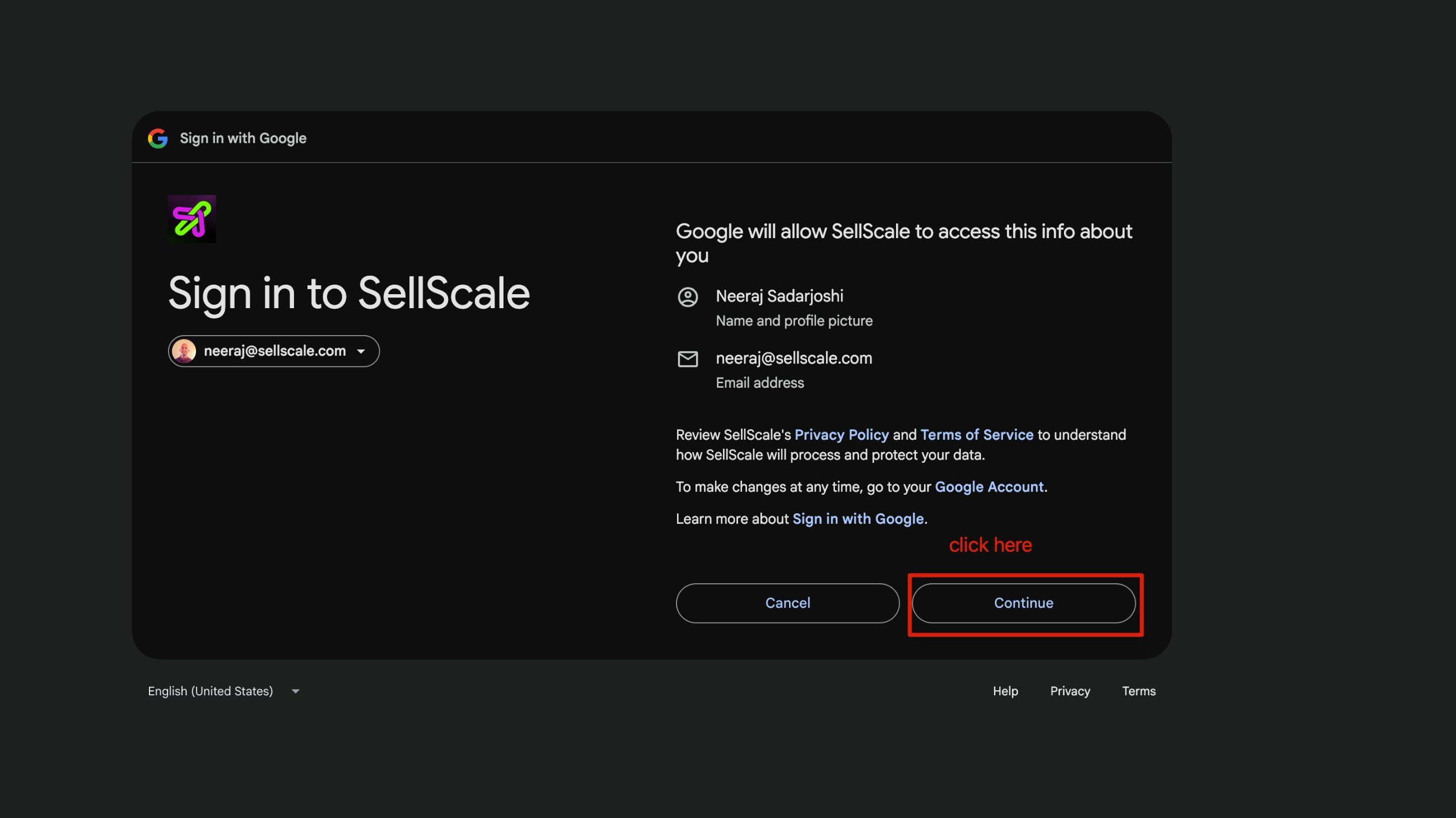
5
Allow access
On the SellScale wants to access your Google Account screen, review the permissions and click Allow.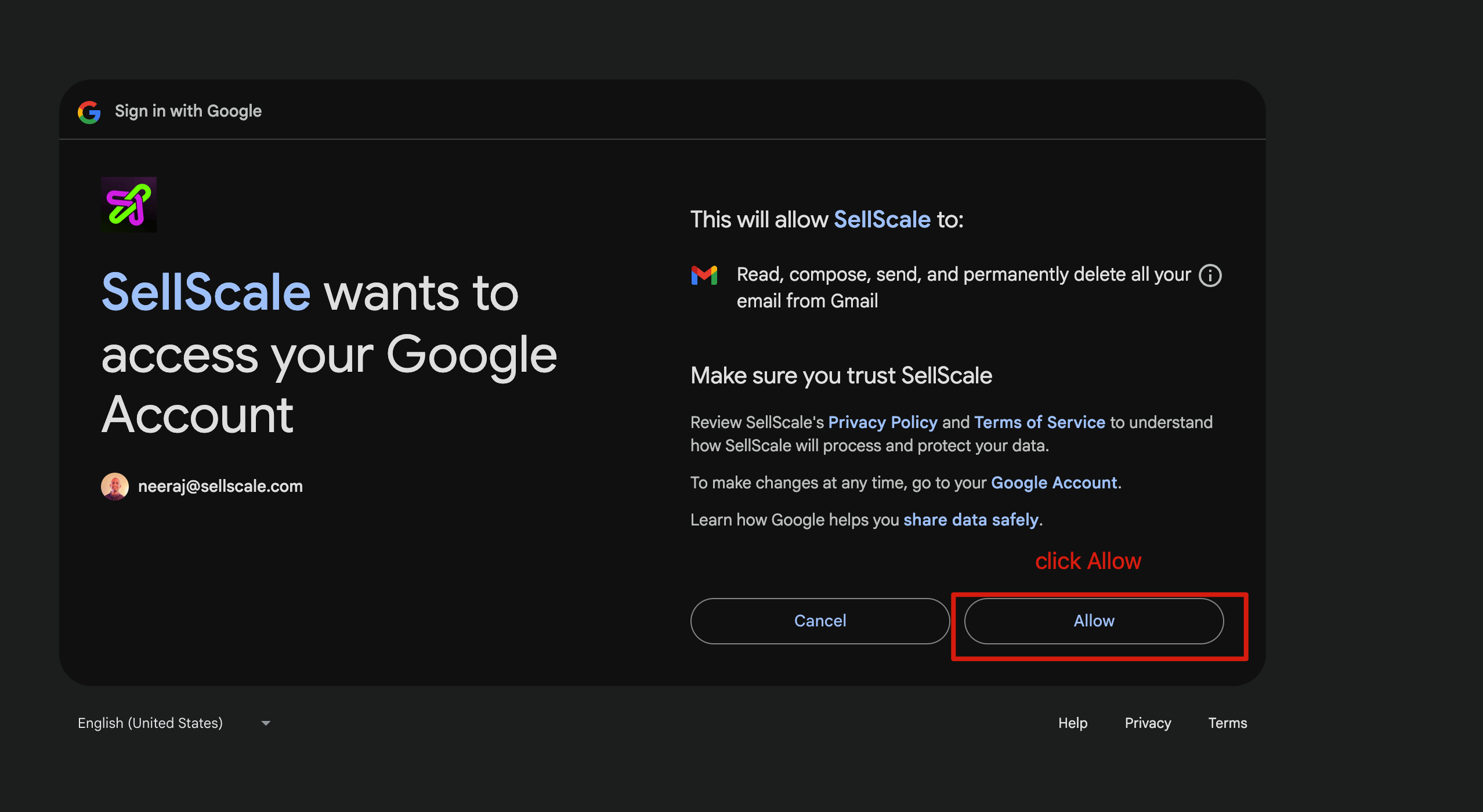
6
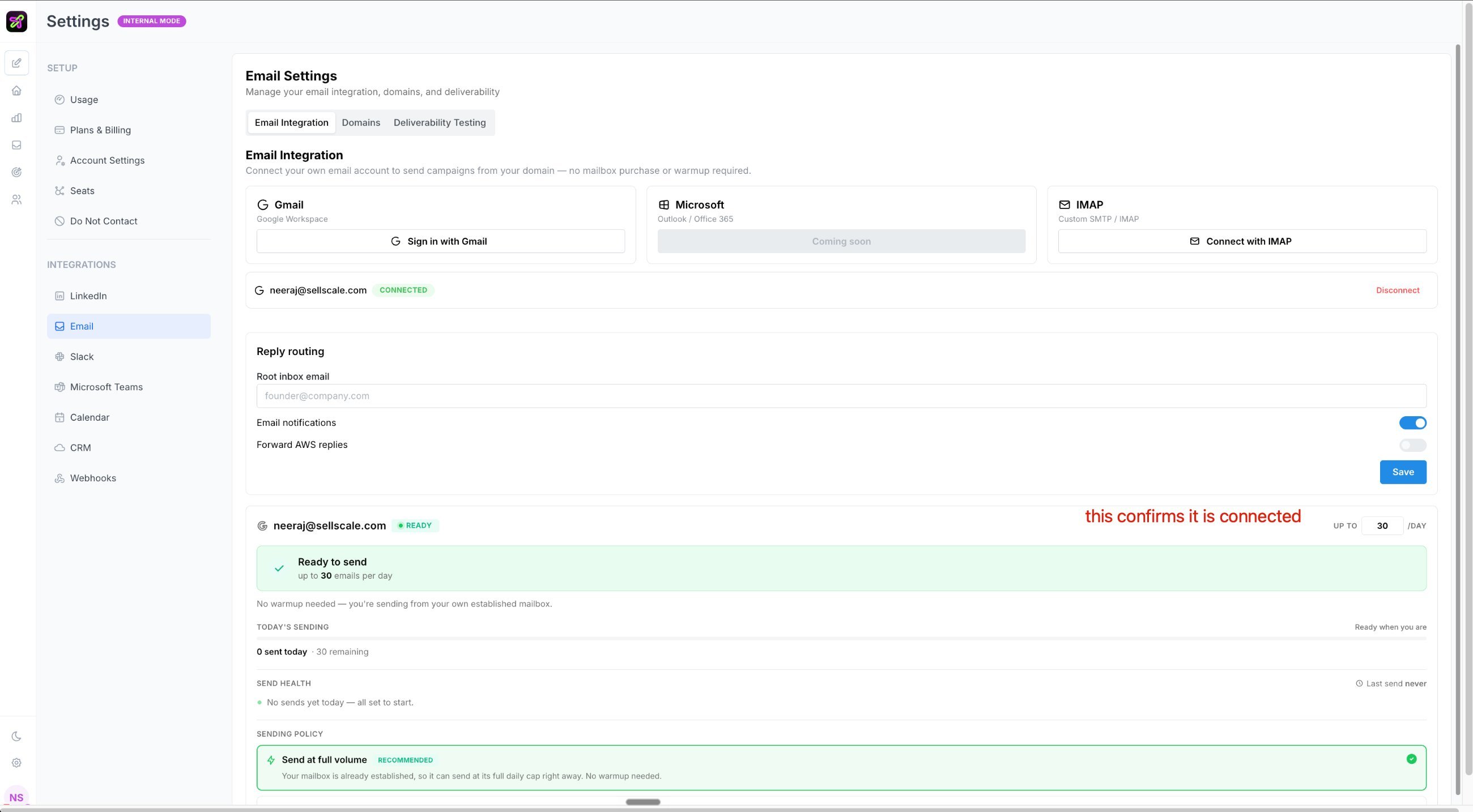
Confirm it's connected
You’ll be returned to Selix. Your account now shows Connected and Ready to send — you’re all set.