1
Open your Calendar settings
In Selix, go to Settings → Calendar (app.sellscale.com/settings/scheduling).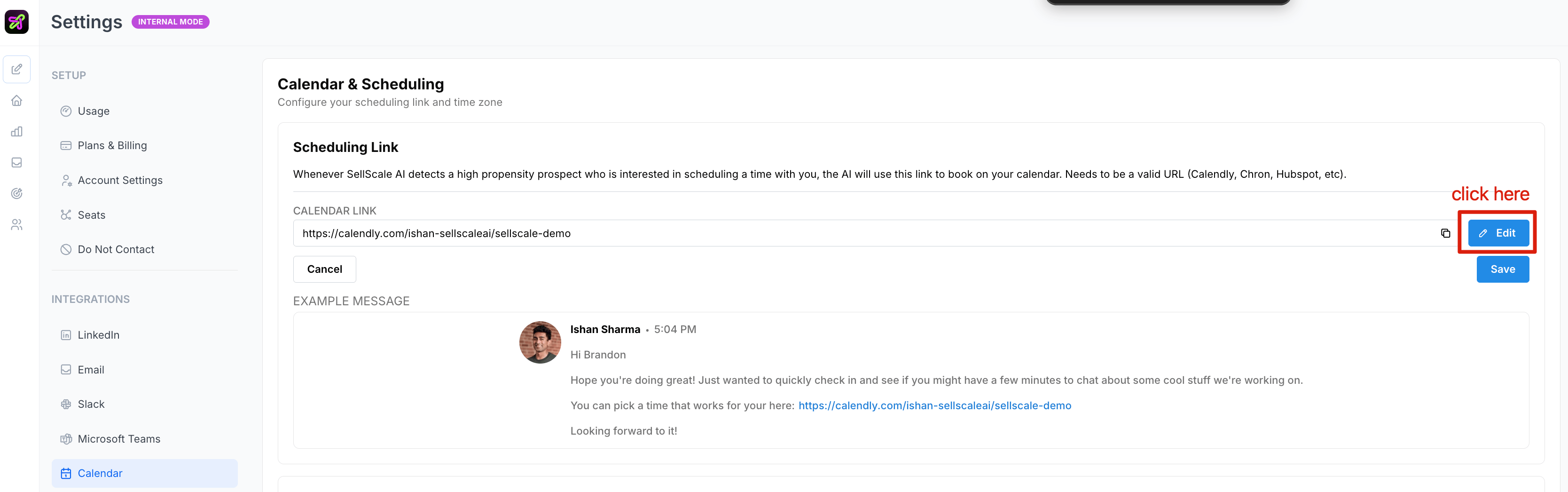
2
Add your booking link
Paste your scheduling link — for example your Calendly or other booking URL. This is the link prospects will use to book time with you.
3
Save
Save your changes. Selix will now include your booking link in campaigns where it’s relevant.