Supported CRMs
Selix integrates with a wide range of CRMs, including HubSpot, Salesforce, Pipedrive, Close, Copper, Microsoft Dynamics 365, ActiveCampaign, Affinity, Insightly, Keap, Nutshell, Pipeliner, Salesflare, Capsule, and Teamleader.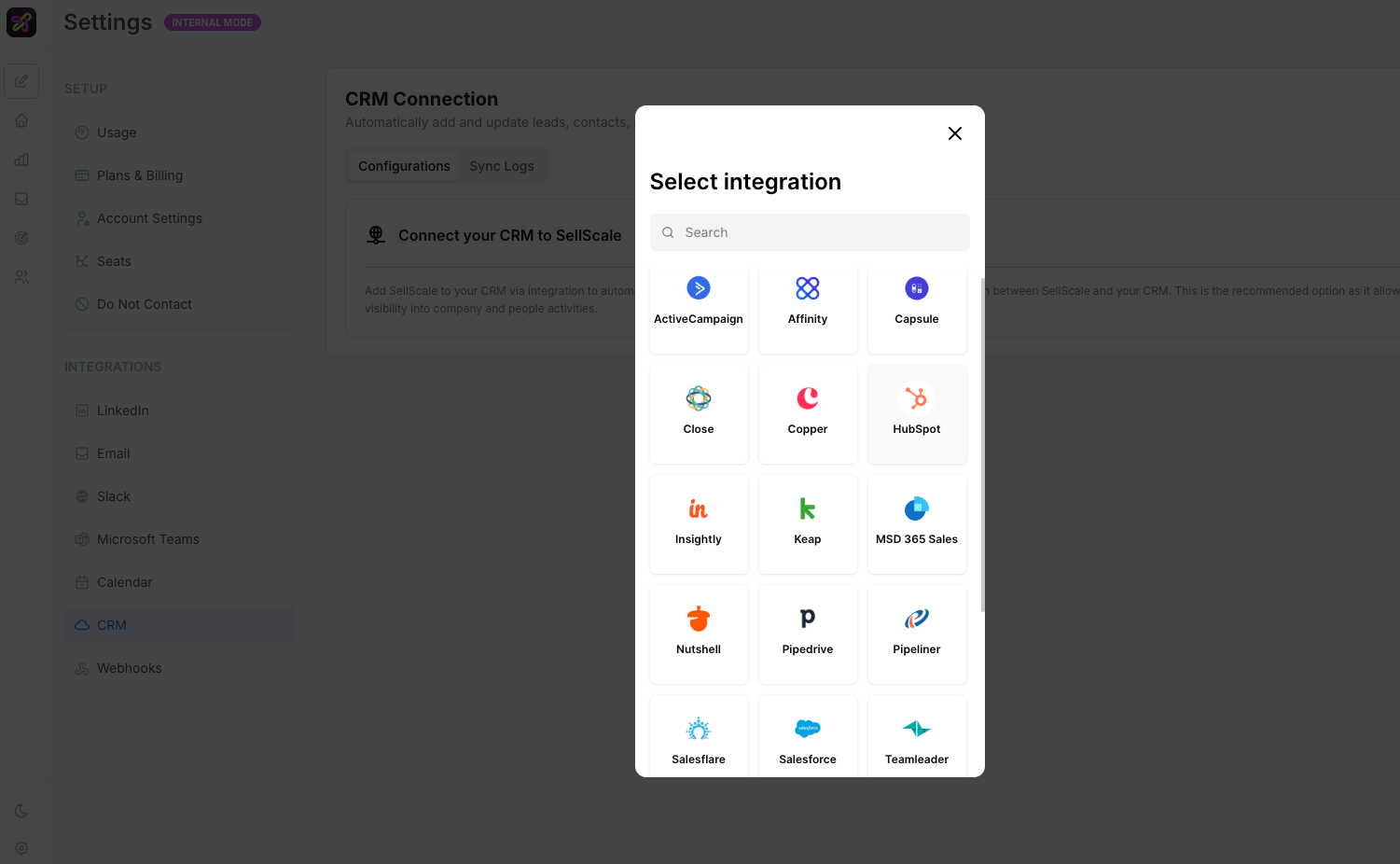
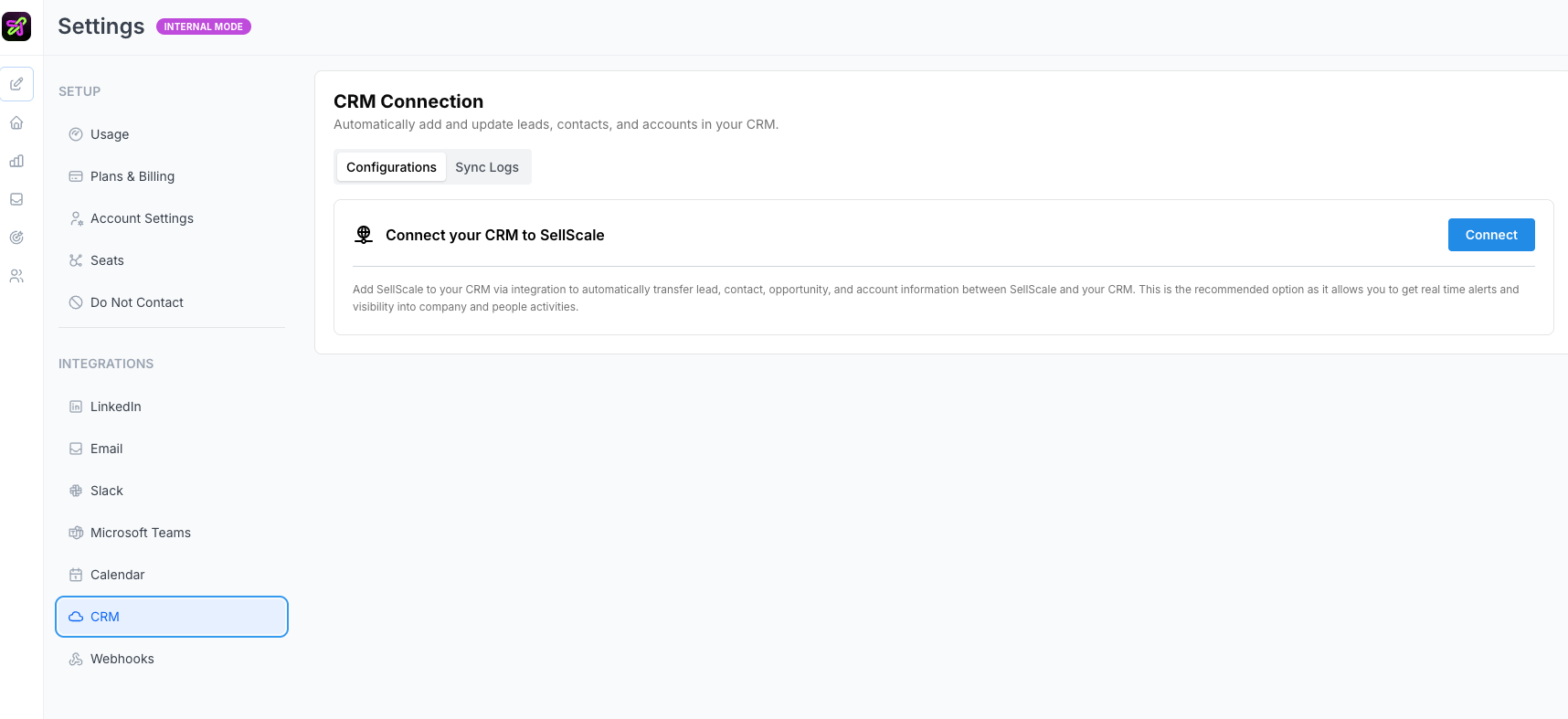
Connect your CRM
In Selix, go to Settings → CRM, click Connect, and choose your CRM from the list. Once connected, you’ll see the connection status, a chart of contacts, accounts, and opportunities synced over time, and Sync Logs with a record of everything that’s moved between Selix and your CRM.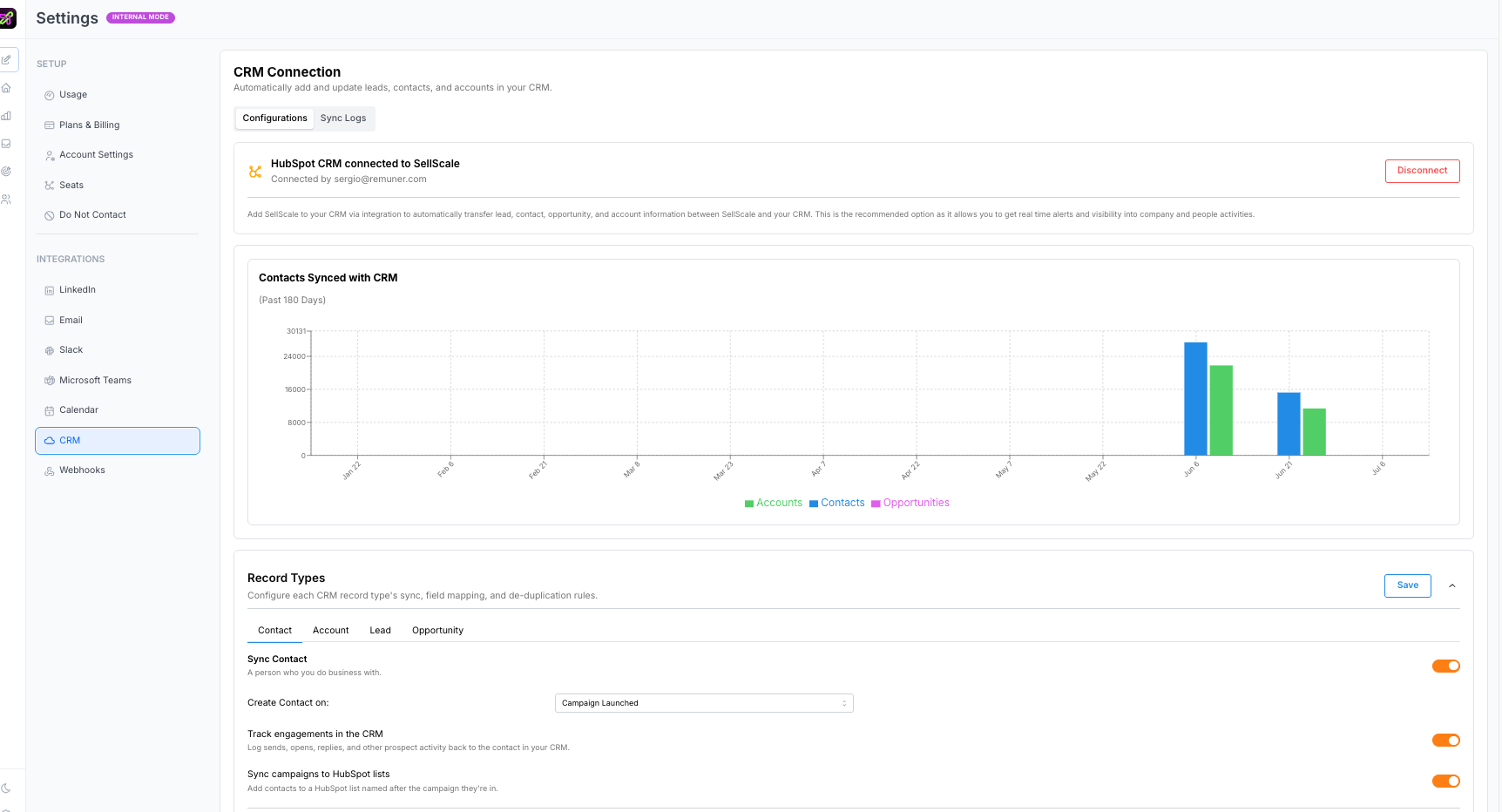
Configure each record type
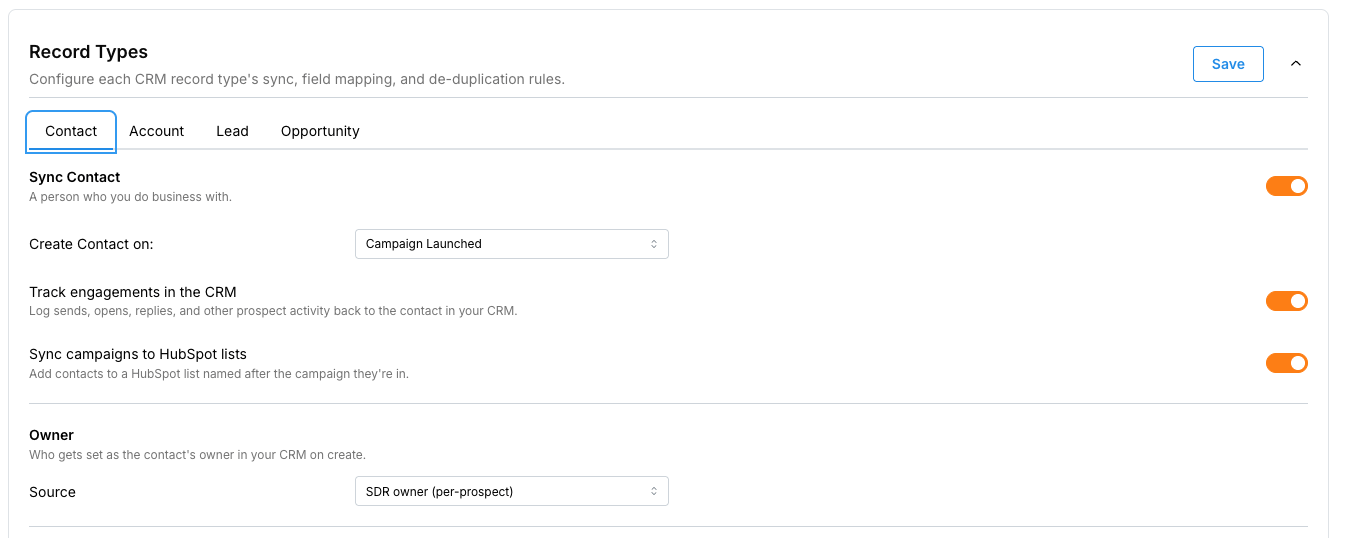
Under Record Types, you configure sync, field mapping, and de-duplication separately for Contact, Account, Lead, and Opportunity. For each type you can:- Turn sync on or off — sync only the record types you want.
- Create on a trigger — choose when Selix creates the record (for example, when a campaign launches).
- Set the owner — assign who owns the record on create (for example, the SDR owner, per prospect).
- Sync campaigns to lists — automatically add contacts to a list named after their campaign.
- (Opportunities) set the deal source and a default deal size.
Field mapping and custom fields
Map SellScale fields to the matching CRM fields — First Name, Last Name, Email, LinkedIn URL, Job Title, City, Country, Phone, and more — each with a default value and an update mode such as “update if empty” or “always update.” With Custom Field Mapping, you can also write SellScale data to any custom property in your CRM (lifecycle stage, class, campaign name, owner, and so on).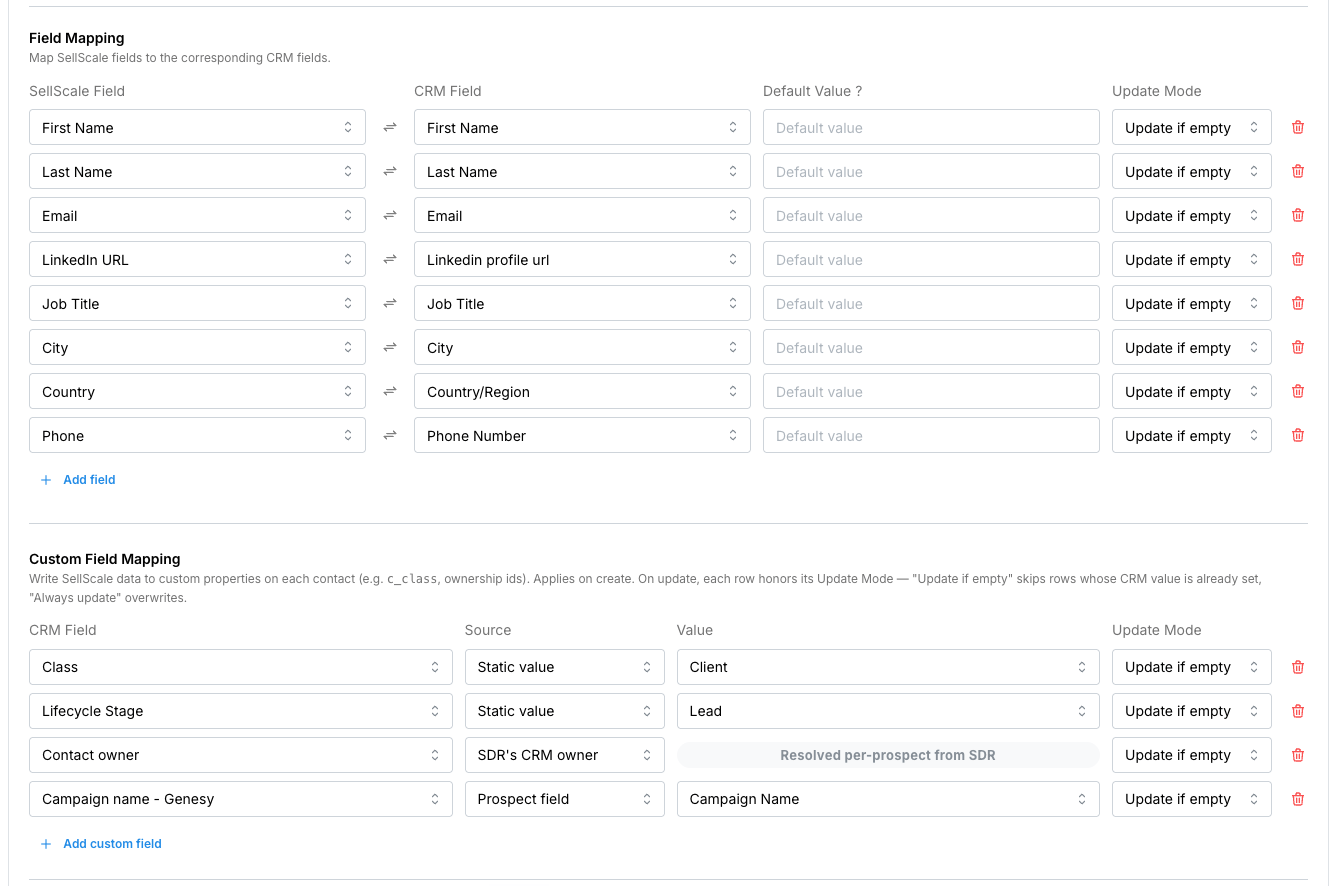
De-duplication
Before creating a new record, Selix looks up existing ones using de-duplication rules — for example, match on LinkedIn URL or Email for contacts, or Domain for accounts. Rules are tried top to bottom and the first match wins, and you can add case-insensitive matching and custom transformations (and test a rule before saving).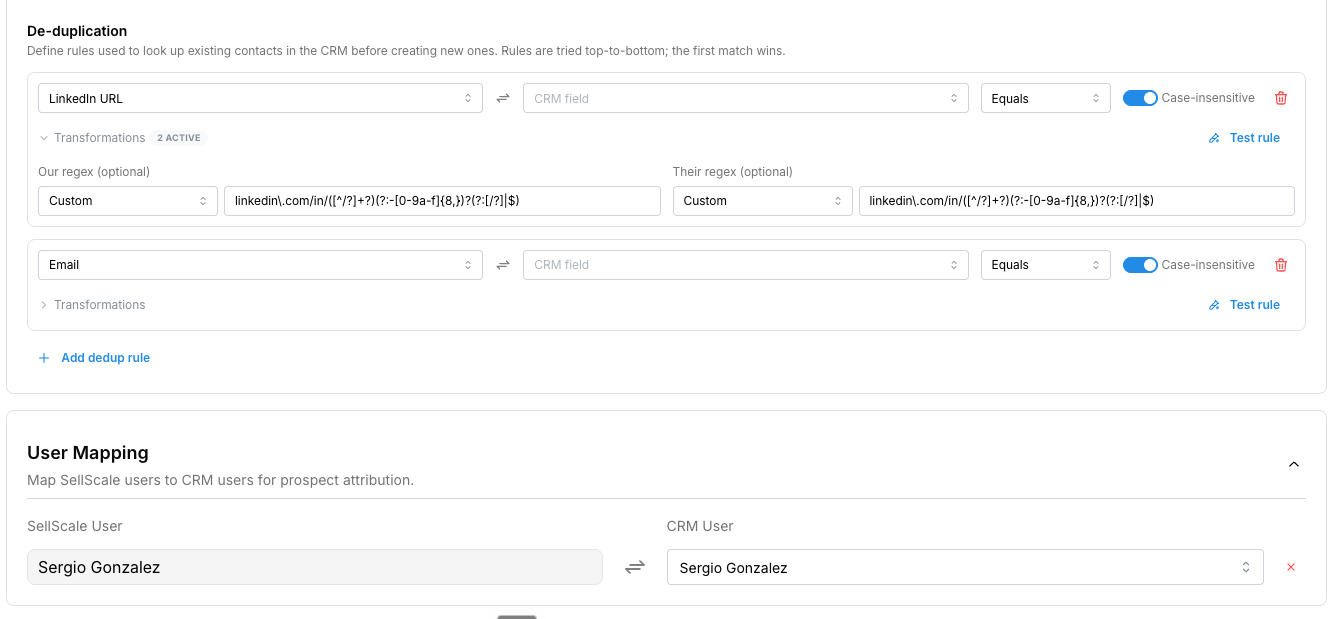
User mapping
Map your SellScale users to their CRM users so prospect activity is attributed to the right owner on your team.The SellScale team will help you set up the record types, field mapping, and de-duplication rules for your specific CRM and workflow.